 InkBurrow
Any page read aloud, in a natural voice
The voice is made on this computer. What you read is never sent anywhere.
Dulcetmoor is a browser extension that reads a web page, the words you select, or a PDF aloud, and lights each sentence as it is spoken. Made for anyone who would rather listen: students, language learners, people with dyslexia, and tired eyes. No account and no sign-in.
Dulcetmoor is coming soon to the Chrome Web Store, for Google Chrome™ on a computer.
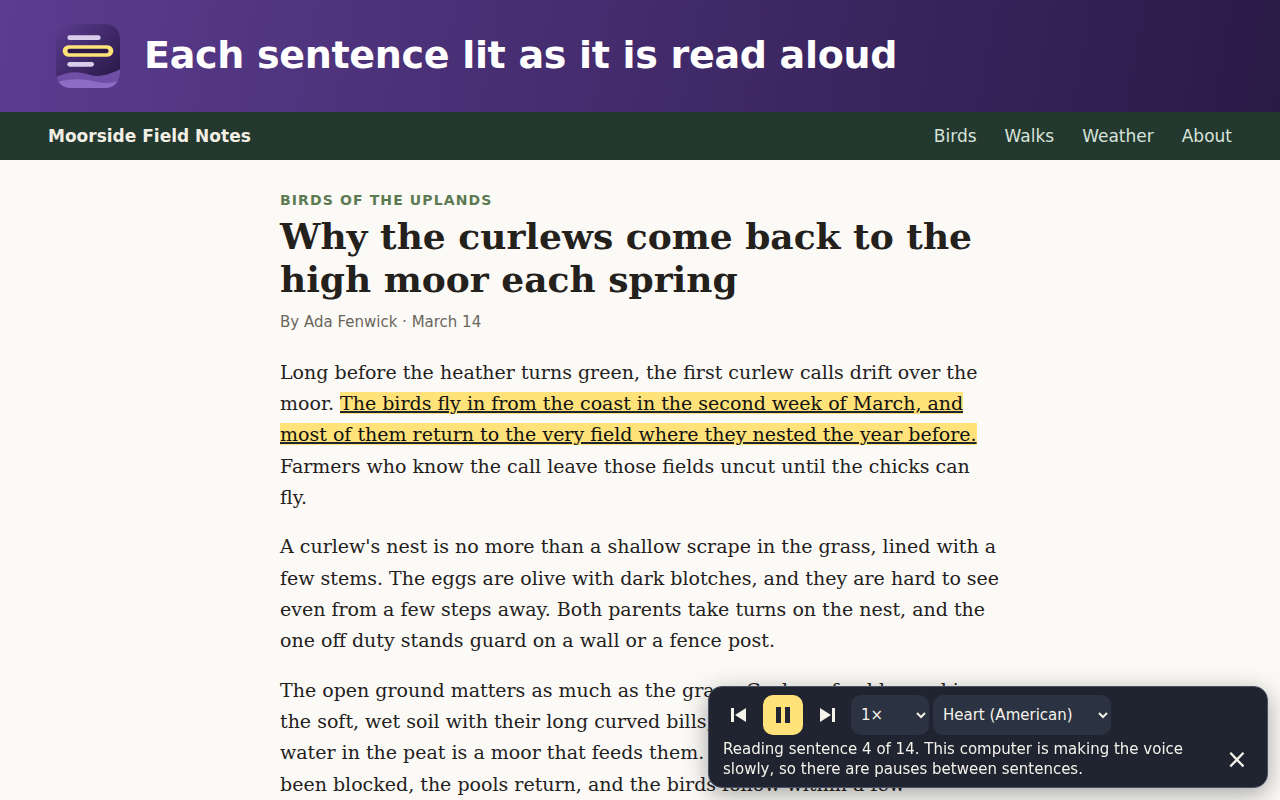
- Read a pagePress the Dulcetmoor button on an article. It finds the article, leaves the menus and links around it aside, and reads it from the top. Click a sentence while it reads to go on from there.
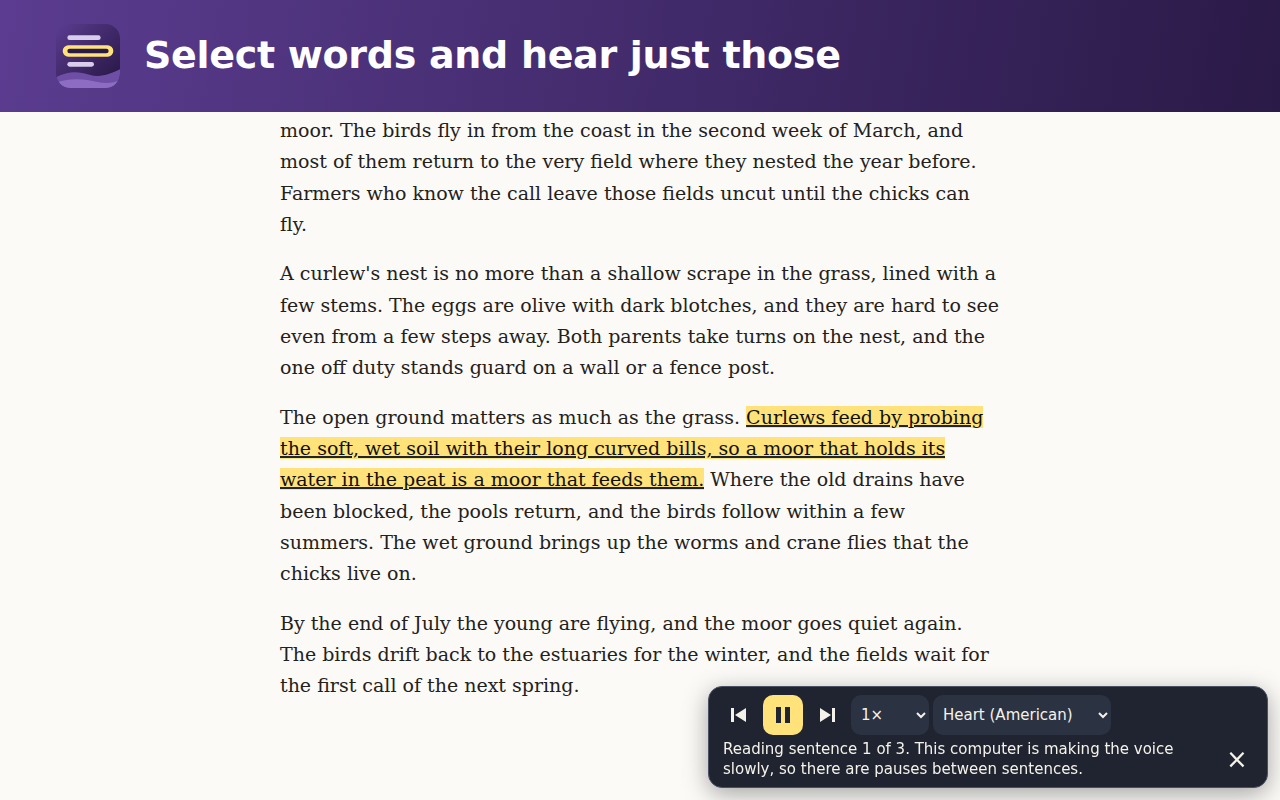
- Read a selectionSelect some words, right-click them and choose “Read aloud with Dulcetmoor” to hear just those.
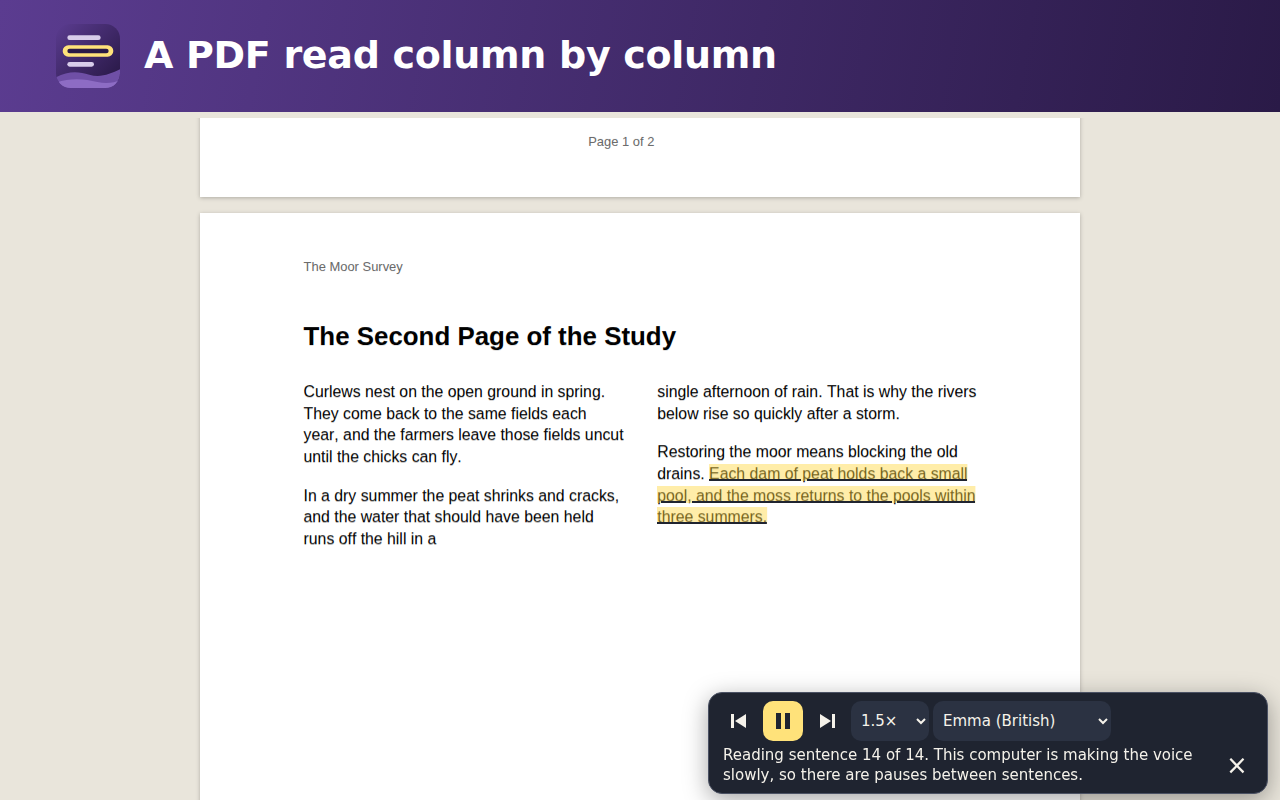
- Read a PDFPress the button on a PDF open in a tab, or choose “Read a PDF aloud…” from the button’s own menu and pick a file on your computer. A page set in two columns is read column by column, without its running heads and page numbers.
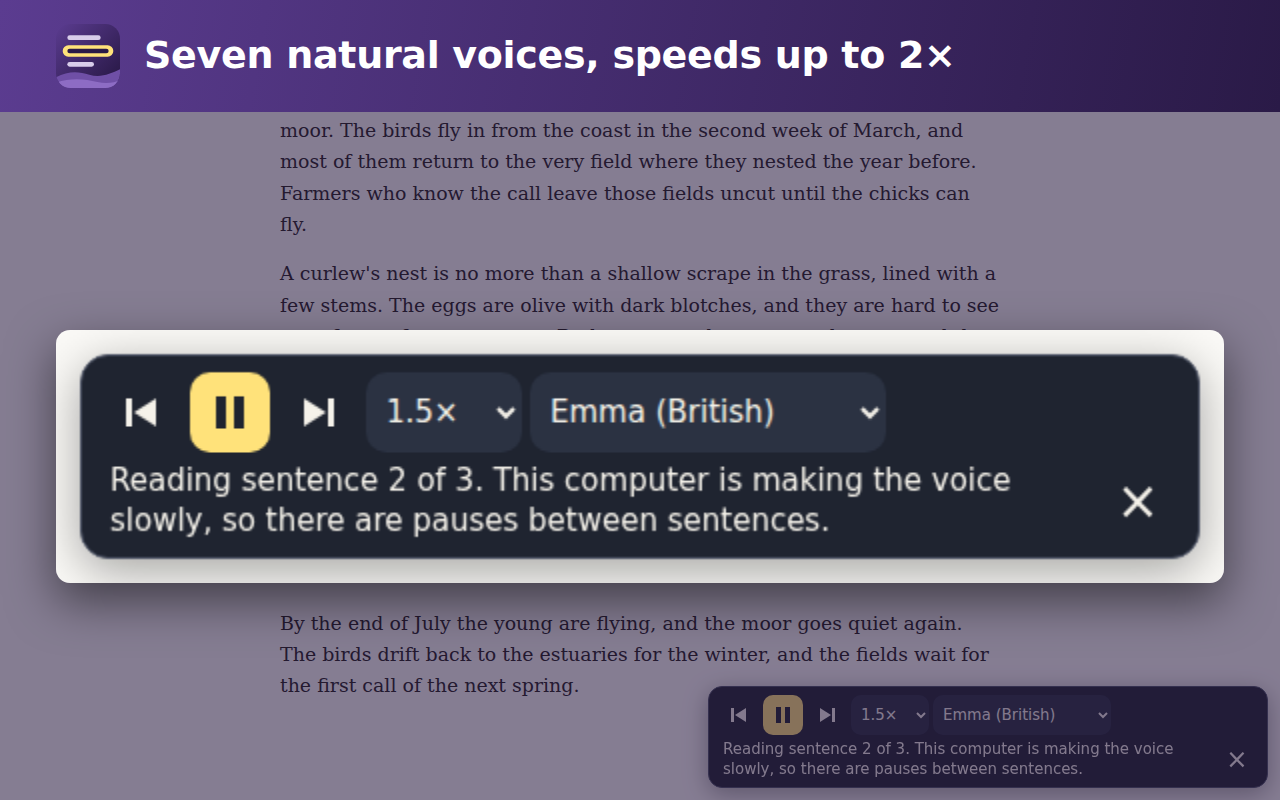
- Play, pause, skip, fasterThe bar on the page plays, pauses and goes a sentence back or forward, at speeds from 0.75× to 2×, with 7 voices, 5 American and 2 British. The keys Alt+Shift+P, Alt+Shift+Comma, Alt+Shift+Period play or pause and go back or forward.
Made on this computer
The voice is an open voice model that comes inside the extension, about 422 MB, so it arrives once, with the extension, from the Chrome Web Store, and downloads nothing afterwards. The page’s words go from the tab to the voice inside the extension, never over the internet, and are never kept: only your speed and your voice are remembered.
On a computer whose browser offers its graphics chip, the voice is quick. Where the computer is too slow for the natural voice, Dulcetmoor reads with one of the computer’s own on-device voices instead, and the bar says so. It never uses a voice that sends the words to a speech service.
What Chrome already does
Google Chrome™ can read a page aloud by itself: its reading mode reads an article in natural voices made on the computer, in a reading view of its own, and lights each word. Dulcetmoor reads on the page itself, starts with one press, reads PDFs without their running heads and page numbers, and brings its own voices. How to read any page aloud in Chrome shows both, step by step.
How to install it
Dulcetmoor is coming soon to the Chrome Web Store, for Google Chrome™ on a computer.
- Open its page in the Chrome Web StoreOn a computer, in Google Chrome™. The link will be here, on this page.
- Add it to ChromePress “Add to Chrome”, then “Add extension”. The voice comes with it, about 422 MB, so the first install takes a little while.
- Pin the buttonPress the puzzle piece beside the address bar and the pin beside Dulcetmoor, so its button stays in view.
- Press it on an articleThe bar appears at the foot of the page and the reading starts.
It reads pages in English. It cannot read the browser’s own pages, such as Settings and the Chrome Web Store, and it says so there.
What it asks your browser for, and why
offscreen: to run and play the voice in a page of the extension’s own, which closes after five minutes with nothing to read.activeTab: to read the one page you press its button on, that once.scripting: to put the reader into that one page, to find its article and light each sentence as it is spoken.storage: to remember your speed and your voice on this computer, and nothing else.contextMenus: for “Read aloud with Dulcetmoor” when you right-click selected words, and “Read a PDF aloud…” on its button.
It asks for no access to any website. The Dulcetmoor Privacy Policy says what it handles and what it never sends.
Every person can use it
Every button on the bar works from the keyboard and has a name a screen reader says, and the bar says which sentence it is reading. It stays on the screen at 200% zoom and on a narrow window, follows your computer’s dark setting and its setting to reduce motion. Something hard to use? Write to hello@inkburrow.com.
Who makes it
Dulcetmoor is run by AI Technology, which publishes it under the publisher name InkBurrow, from its owner's developer account. Its sister extension is InkBurrow, which fills and signs PDF forms. Rachel Bennett reads the mail and answers every message: hello@inkburrow.com.
The voice is Kokoro-82M (Apache-2.0), run by kokoro-js (Apache-2.0); every library inside the extension has its licence in its THIRD-PARTY.txt file.
Google Chrome is a trademark of Google LLC. Use of this trademark is subject to Google Permissions.